
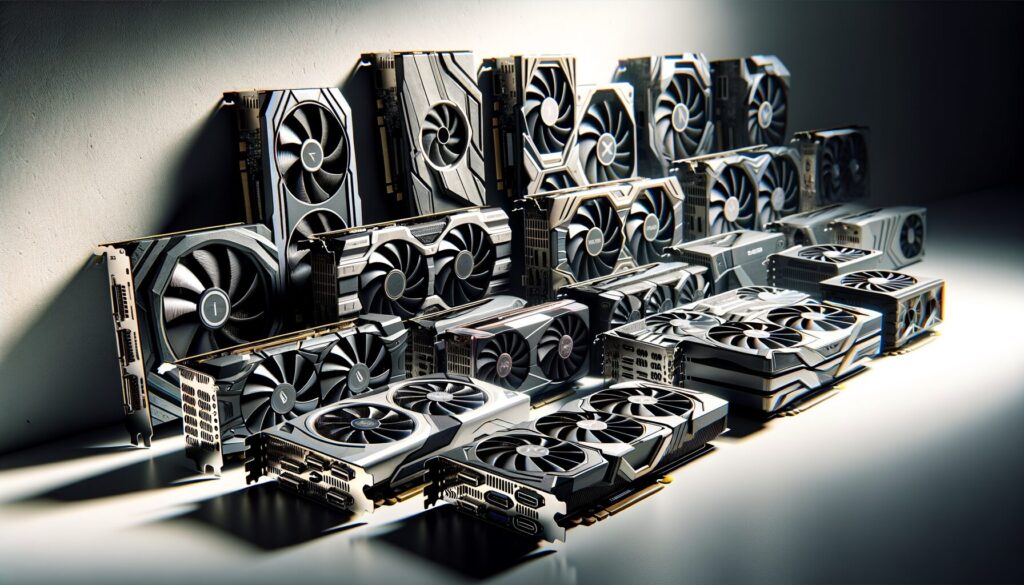
Graphics cards, or GPUs, are essential components in modern computing, especially for tasks that require heavy graphical processing. Whether you’re gaming, editing videos, or running complex simulations, a good graphics card can significantly enhance your experience. At their core, graphics cards are designed to render images and videos by processing data and sending it to your display. They come in various models and specifications, catering to different needs and budgets.
In recent years, the trend of using multiple graphics cards in a single system has gained traction, particularly among gamers and professionals who demand high performance. This setup, often referred to as SLI (NVIDIA) or CrossFire (AMD), allows users to combine the power of two or more GPUs to achieve better performance. However, while the idea of stacking graphics cards may sound appealing, it’s essential to weigh the benefits against potential drawbacks before diving in.
In exploring the question of how many graphics cards are too many, it’s interesting to consider the broader implications of technology on our lives. A related article that delves into the impact of artificial intelligence on society can be found at AI Taking Over the World. This piece discusses how advancements in AI and computing power, including the use of multiple graphics cards, are shaping various industries and influencing our daily experiences.
Benefits of Multiple Graphics Cards
One of the primary advantages of using multiple graphics cards is the significant boost in performance they can provide. When configured correctly, multiple GPUs can work together to handle demanding tasks more efficiently. This is particularly beneficial in gaming scenarios where higher frame rates and resolutions are desired. For instance, if you’re playing a graphically intensive game at 4K resolution, a dual-GPU setup can help maintain smooth gameplay without sacrificing visual quality.
Another benefit is enhanced rendering capabilities for creative professionals. If you’re into video editing, 3D modeling, or graphic design, having multiple GPUs can drastically reduce rendering times. Software that supports multi-GPU configurations can distribute workloads across the cards, allowing for faster processing and more efficient multitasking. This can be a game-changer for professionals who rely on quick turnaround times for their projects.
Potential Drawbacks of Multiple Graphics Cards
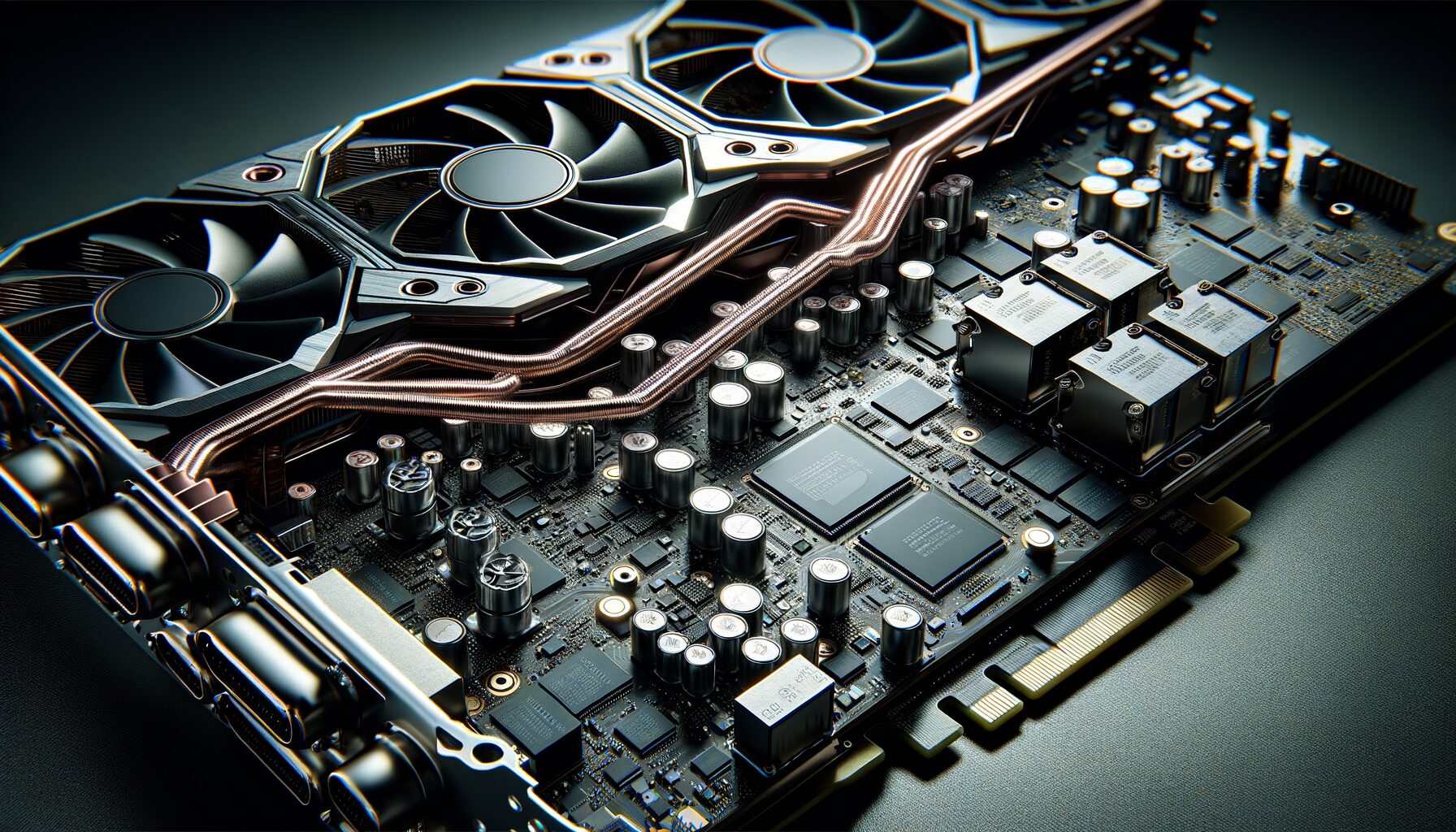
Despite the advantages, there are several drawbacks to consider when opting for multiple graphics cards. One significant issue is the complexity of setup and configuration. Not all games or applications support multi-GPU setups, which means you might not see the performance gains you expect in every scenario. In some cases, you could even experience lower performance due to issues like micro-stuttering or frame pacing problems.
Additionally, using multiple graphics cards can lead to increased power consumption and heat generation. This not only requires a more robust power supply but also better cooling solutions to prevent overheating. If your system isn’t adequately equipped to handle the extra load, you might run into stability issues or even hardware failures over time.
Impact on System Performance
The impact of multiple graphics cards on system performance can vary widely depending on several factors. In ideal conditions, where software is optimized for multi-GPU use, you can see substantial improvements in frame rates and rendering times. However, this isn’t always the case. Many games and applications still don’t fully utilize the capabilities of multiple GPUs, which can lead to diminishing returns.
Moreover, the performance gains from adding a second GPU aren’t always linear. For example, if one graphics card provides a 50% performance increase over integrated graphics, adding a second card might only yield an additional 30% boost. This means that while you may gain some performance from a dual-GPU setup, it may not be as significant as you hoped.
When considering the optimal number of graphics cards for your setup, it’s essential to weigh the benefits against the potential drawbacks, such as power consumption and heat generation. For those interested in exploring how technology can enhance your viewing experience, you might find it intriguing to read about the latest advancements in cinematic experiences in this article on action stars and movie watching. Check it out here for insights that could complement your understanding of graphics performance in entertainment.
Considerations for Power and Cooling
When considering multiple graphics cards, power and cooling should be at the forefront of your planning. Each GPU requires a substantial amount of power, so it’s crucial to invest in a high-quality power supply unit (PSU) that can handle the load. A PSU with a higher wattage rating will ensure that your system runs smoothly without any risk of power shortages or instability.
Cooling is another critical factor. Multiple GPUs generate more heat than a single card, which can lead to thermal throttling if not managed properly. You’ll need to ensure that your case has adequate airflow and consider additional cooling solutions like aftermarket GPU coolers or enhanced case fans. Keeping temperatures in check is vital for maintaining system stability and prolonging the lifespan of your components.
Compatibility Issues with Multiple Graphics Cards
Please visit AITV for the latest news and updates.
Compatibility is a significant concern when setting up multiple graphics cards. Not all motherboards support multi-GPU configurations, so it’s essential to check your motherboard’s specifications before making any purchases. Look for motherboards that explicitly mention support for SLI or CrossFire setups.
Additionally, software compatibility plays a crucial role in how well your multi-GPU setup performs. Some games and applications may not support multi-GPU configurations at all, while others may require specific settings to be adjusted for optimal performance. It’s worth researching whether the software you plan to use will take full advantage of your setup before investing in additional hardware.
Cost and Return on Investment
The financial aspect of setting up multiple graphics cards cannot be overlooked. While the initial investment may seem justified by the potential performance gains, it’s essential to consider whether those gains are worth the cost. High-end graphics cards can be expensive, and adding a second one can significantly increase your overall expenditure.
Moreover, the return on investment (ROI) for multiple GPUs can be questionable in some cases. If you’re primarily gaming at lower resolutions or playing titles that don’t utilize multi-GPU setups effectively, you might find that a single high-end card meets your needs just as well—if not better—than two mid-range cards. It’s crucial to evaluate your specific use case and budget before committing to a multi-GPU configuration.
Finding the Right Balance
In conclusion, while multiple graphics cards can offer impressive performance benefits for certain applications and gaming scenarios, they come with their own set of challenges and considerations. It’s essential to weigh the pros and cons carefully before deciding if this setup is right for you. Factors such as software compatibility, power requirements, cooling solutions, and overall cost should all play a role in your decision-making process.
Ultimately, finding the right balance between performance and practicality is key. For many users, a single high-quality graphics card may provide all the power they need without the complications associated with multi-GPU setups. However, if you’re a professional or an avid gamer looking for every possible edge in performance, investing in multiple graphics cards could be worth exploring—just make sure you do your homework first!
FAQs
1. What is the recommended number of graphics cards for a gaming PC?
The recommended number of graphics cards for a gaming PC is typically one or two. Most modern games are optimized for single or dual graphics card setups, and adding more may not necessarily improve performance.
2. What are the potential drawbacks of using multiple graphics cards?
Using multiple graphics cards can lead to increased power consumption, heat generation, and compatibility issues with certain games and applications. Additionally, not all games and software are optimized to take advantage of multiple graphics cards, which can result in diminishing returns on performance.
3. When does having more than two graphics cards become excessive?
Having more than two graphics cards can become excessive when the additional cards do not significantly improve performance or when the cost and complexity of the setup outweigh the benefits. In most cases, a single high-performance graphics card or a dual-card setup is sufficient for gaming and professional applications.
4. Are there specific use cases where having multiple graphics cards is beneficial?
There are specific use cases where having multiple graphics cards can be beneficial, such as professional video editing, 3D rendering, and scientific simulations. These tasks can benefit from the parallel processing power of multiple graphics cards, leading to improved performance and faster rendering times.
5. What factors should be considered before adding more graphics cards to a system?
Before adding more graphics cards to a system, factors such as power supply capacity, cooling solutions, motherboard compatibility, and the specific requirements of the intended applications should be carefully considered. It’s important to weigh the potential benefits against the added cost and complexity of a multi-card setup.